Apple Magic Keyboard Best Overall
Key details
- Compatibility
- iPad Air 13-inch (M2, M3, M4)
- Weight
- 2.79 lb
- Trackpad
- Built-in
- Connection
- Smart Connector
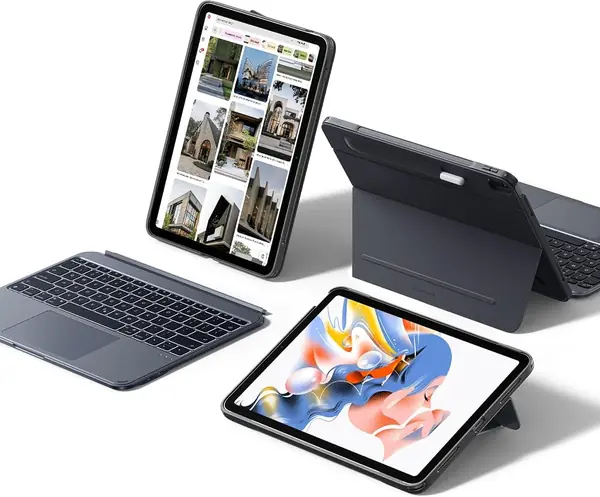
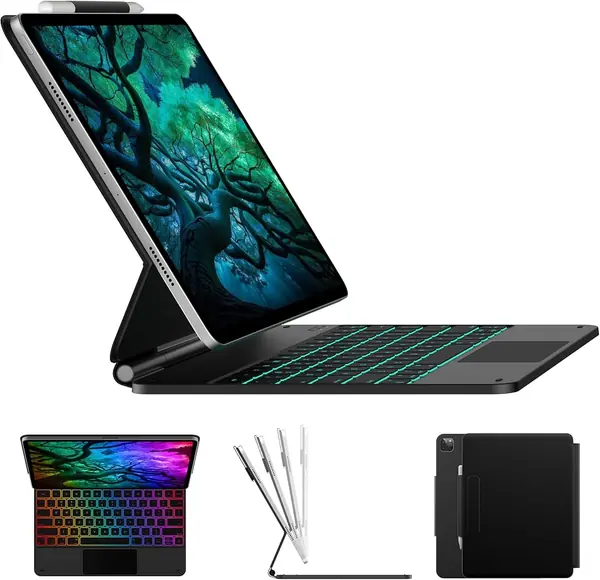
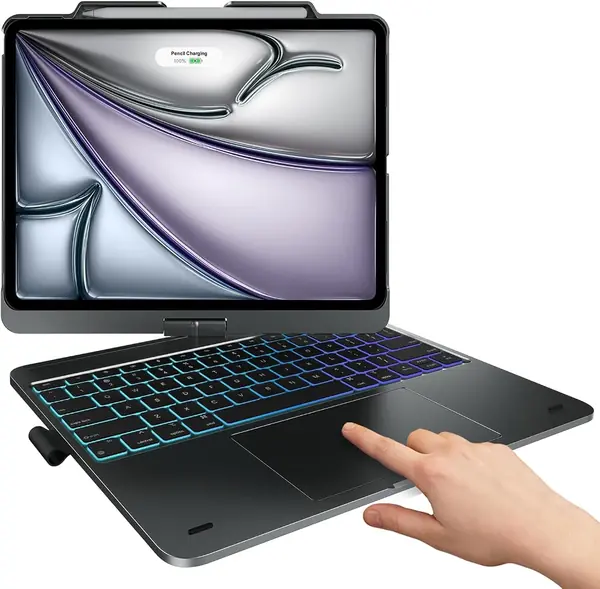
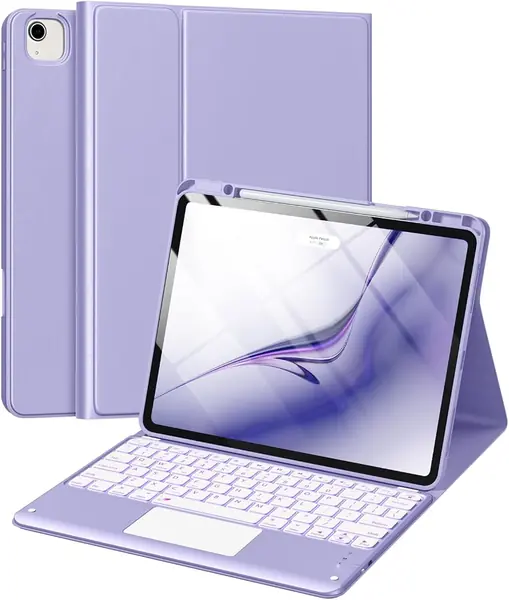
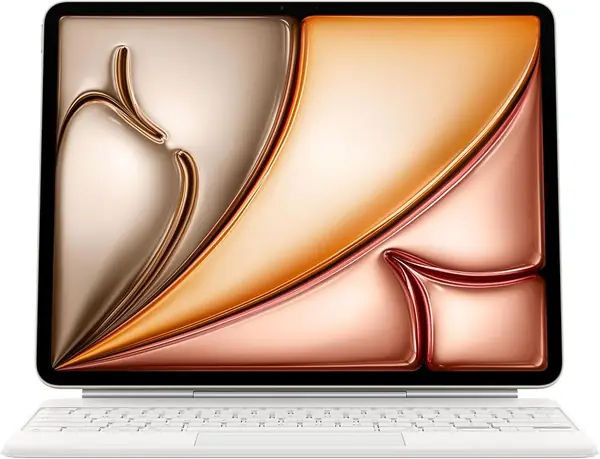
The Magic Keyboard gets the fundamentals right in a way the Bluetooth cases here do not. It attaches through the iPad's Smart Connector, so there is no pairing routine and no separate keyboard battery to remember. The two-cantilever hinge holds the screen at a useful angle and folds into a rigid slab for travel. We recommend it first for anyone who types for hours and wants the iPad to feel like a laptop rather than a tablet with an accessory.
The 14-key function row and built-in trackpad are the parts we keep coming back to. The trackpad handles the gestures that make iPadOS feel less like a stretched phone, and the keys have a crisp, stable feel. Protection covers the front and back, and the USB-C pass-through means you can charge the iPad without unplugging the keyboard.
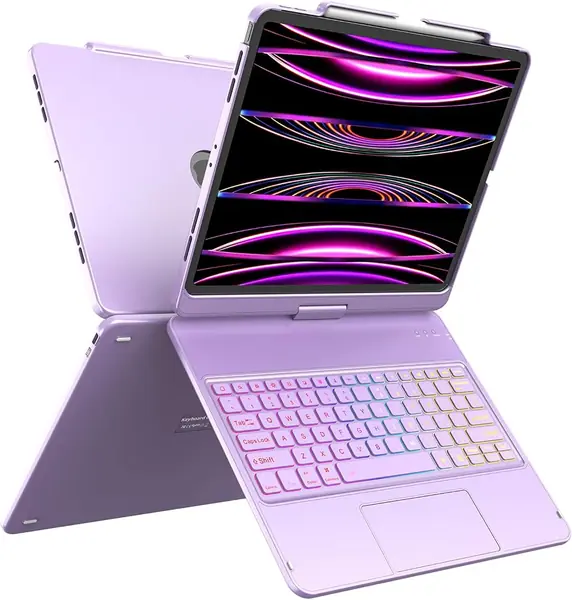
The trade-off is heft: at 2.79 pounds, this is the heaviest case in our group, and it turns the Air into something closer to a MacBook Air in your bag. That weight buys a very rigid typing deck, and the premium is easier to justify if the iPad lives on a desk more than in a backpack. It is also the least flexible design here, since the keyboard stays attached and the screen only works in landscape. For travel and portrait reading, the ESR Shift is the more adaptable choice.
Pros
- Seamless Smart Connector connection
- Excellent typing and trackpad feel
- Rigid hinge and full protection
Cons
- No keyboard backlight
We recommend the Magic Keyboard for anyone who wants the most reliable typing and trackpad experience on the iPad Air 13-inch.