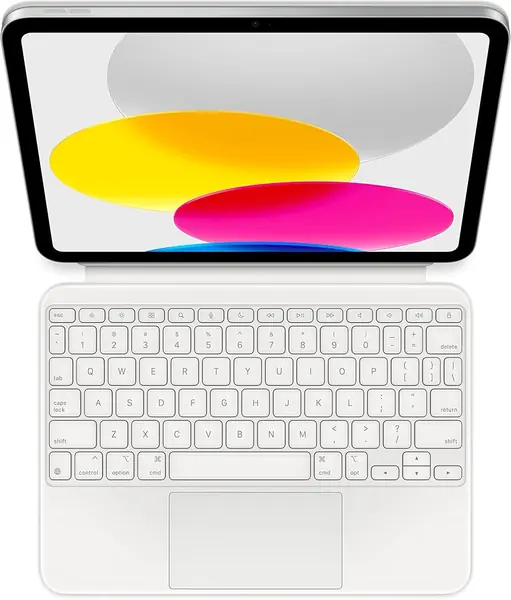
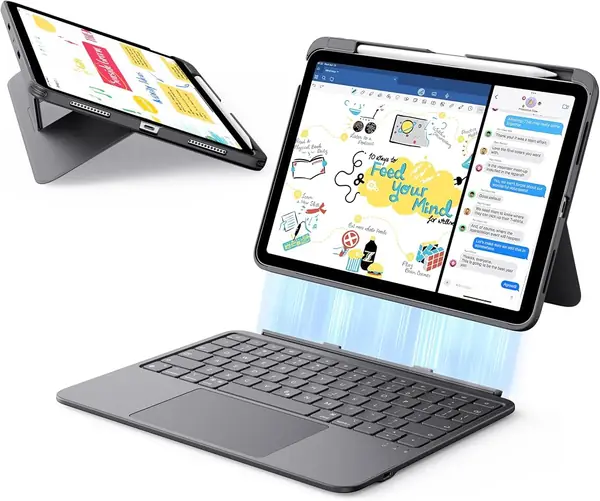
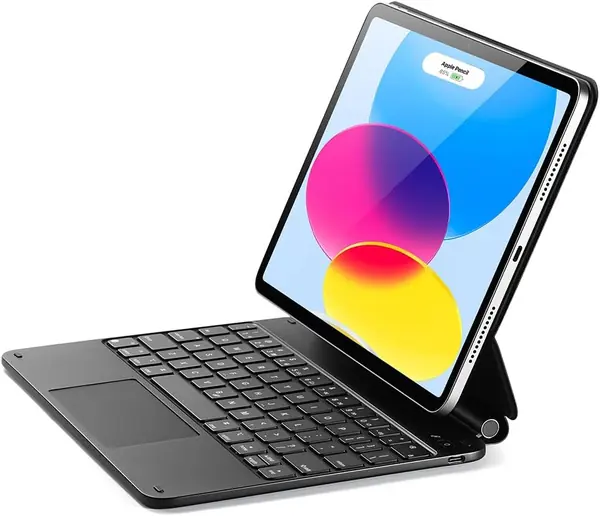
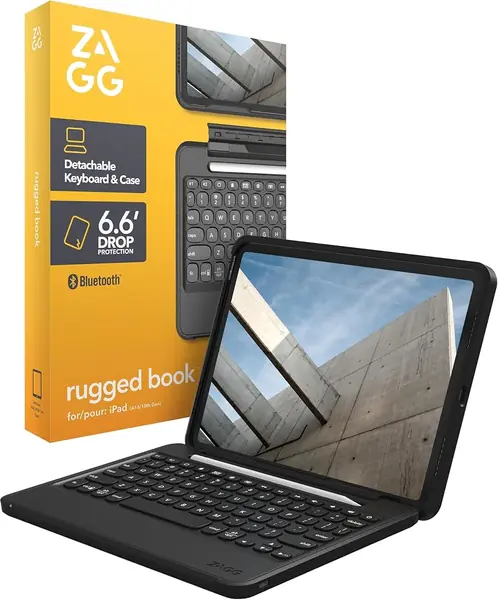
Logitech Combo Touch Best Overall
Key details
- Weight
- 1.26 lb
- Backlight
- Single color
- Modes
- Type, View, Sketch, Read
- Connection
- Smart Connector
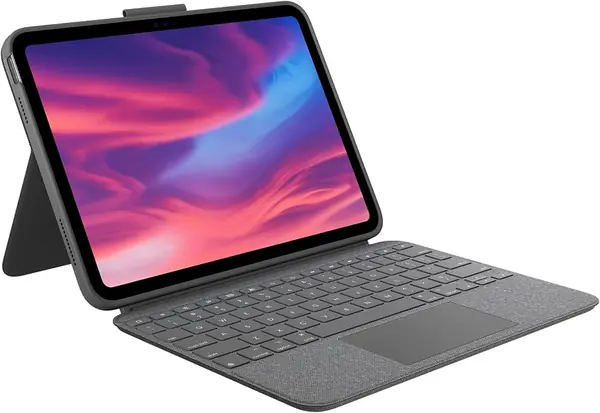
No battery, no pairing button, no charging cable to remember. The Combo Touch draws its power through the iPad's Smart Connector, so the keyboard is live the moment it snaps into place and there is no Bluetooth link to drop in the middle of a sentence. That one design decision is why it sits at the top of this guide rather than in the middle of it.
It also has the best keys of the third-party cases here. There is real travel under each one and a soft landing, so a long afternoon of notes does not leave our fingers flat, and the full row of iPadOS shortcut keys handles brightness, volume and screenshots without a trip back to the screen. The rear cover's kickstand is the other half of the appeal: it props the screen at a genuinely usable angle, and it stays there when the iPad is on your knees rather than a desk.
Four modes come out of the same hinge. Fold the keyboard back and the case lies almost flat for drawing with the Apple Pencil, which is the mode we used most on the couch. Lift the keyboard off entirely and the back cover keeps standing on its own, so you can watch something without a keyboard in your lap.
The price is the honest sticking point: this is the second-most expensive case in the group, behind Apple's. Whether that is worth it comes down to one question. If the iPad is a video-and-email machine, the cheaper picks here type perfectly well. If it is what you write on, this is the case that never gives you an excuse to stop.
Pros
- No charging and no pairing to manage
- Comfortable keys with a full shortcut row
- Kickstand stays put away from a desk
Cons
- Heavy at 572 g before the iPad
- Tight fit makes the iPad hard to pull out
The Combo Touch is the keyboard case we point most people to: it never needs charging, never needs pairing, and the kickstand holds its angle away from a desk.