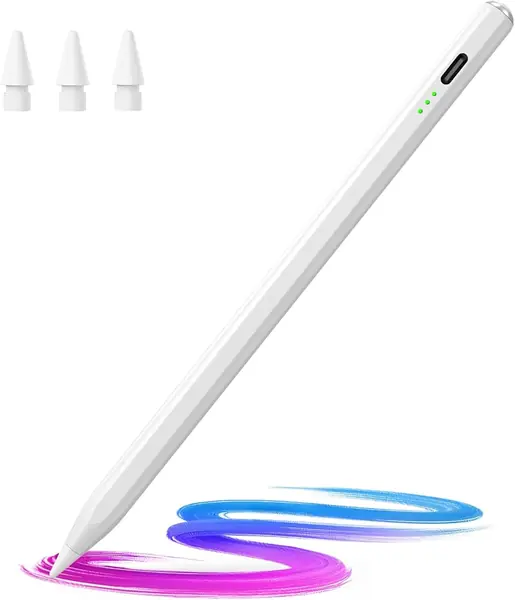
Apple Pencil Pro Best Overall

Key details
- Tip Type
- Active, pressure and tilt
- Charging
- Magnetic, pairs on iPad
- Compatibility
- iPad Pro M4/M5, iPad Air M2-M4
- Weight
- 0.68 oz
Pressure sensitivity is the reason this Pencil sits at the top of the group. Bear down and the line thickens, ease off and it thins, which is the difference between drawing and tracing. Squeeze the barrel and a tool palette opens; roll the pencil between your fingers and the brush turns with it, with a small haptic tap confirming each gesture. In a note app the low latency matters just as much: the ink lands where the tip is, without the lag that makes an inexpensive pen feel like writing with a glove on.
Compatibility is the gate. Apple's list runs to the iPad Pro 13-inch and 11-inch in M4 and M5 and the iPad Air 11-inch and 13-inch in M2, M3, and M4, and it stops well short of older models. An older iPad cannot use this pen and no app works around that, so the model number in Settings is the first thing to look at, not the last.
It charges and pairs by parking on the iPad's edge, and after a week we stopped thinking about its battery at all. At 0.68 ounces it disappears in the hand. If you mostly type and sign the occasional document, the USB-C Pencil below does that work for less money; the Pro earns its cost the first time you shade a drawing and the line responds to how hard you press.
Pros
- Pressure and tilt respond like a real pencil
- Squeeze and barrel-roll gestures switch tools
- Charges and pairs on the iPad's magnet
Cons
- Magnet grip can slip in a bag
If your iPad is on Apple's compatibility list, this is the stylus we recommend without hesitation: pressure, tilt, and gestures make it feel like a real pencil.