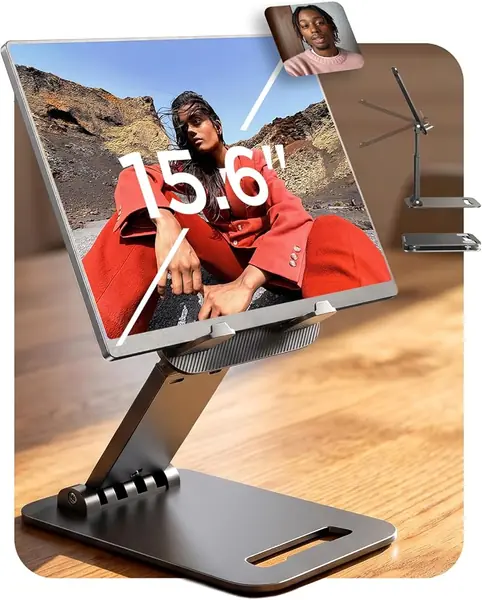
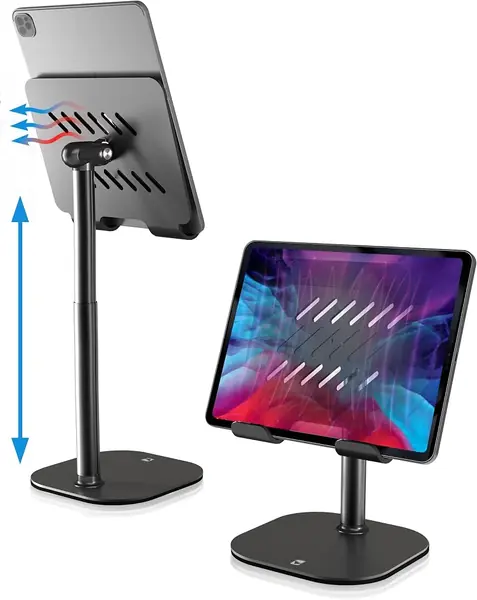
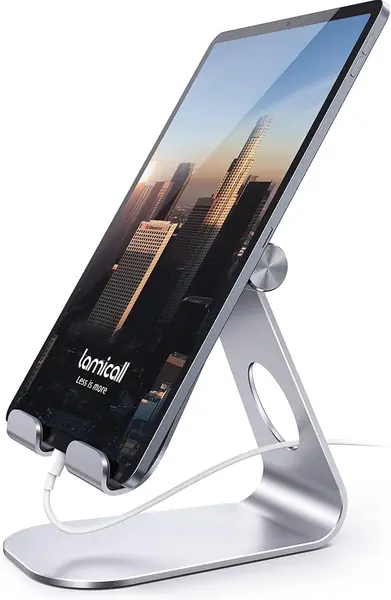
Lamicall Adjustable Stand Best Overall
Key details
- Fits Devices
- 4 to 13 inches
- Weight
- 8.81 oz
- Material
- Aluminum alloy and steel
- Adjustment
- Multi-angle, portrait or landscape
The first thing we noticed about the Lamicall is how little desk it takes up for how firmly it holds a tablet. The aluminum and steel frame has a low, wide stance, and the cradle grips an iPad or phone at an angle that stays put when you tap the screen. We kept it on a desk for everyday reading and video calls because it does the unglamorous part well: the tablet goes where we set it and stays there. It fits devices from 4 to 13 inches, so it covers everything from a phone to a 12.9-inch iPad Pro, and the 8.81-ounce body is easy to move from room to room.
What sold us on it as the default is the balance between grip and adjustment. The stand tilts smoothly through useful desk angles, and the rubber pads keep the device from sliding without making it hard to lift out. In portrait and landscape it felt equally settled, which is more than we can say for lighter folding stands that want to tip when you press near the top edge. The 18 mm hook is generous enough for many everyday cases, but a very thick folio or rugged case can overfill it, so check that before you commit.
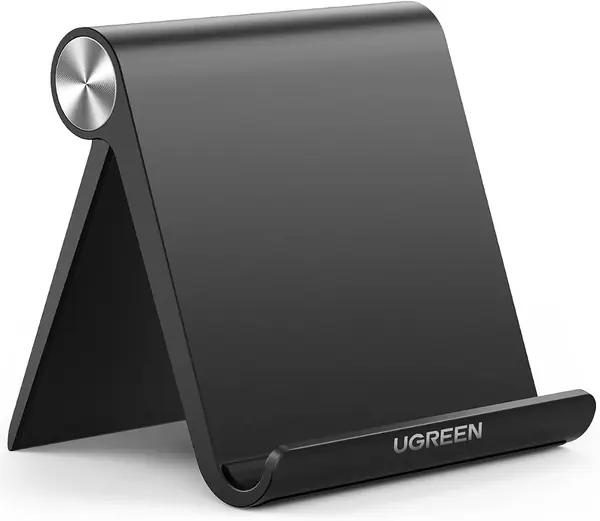
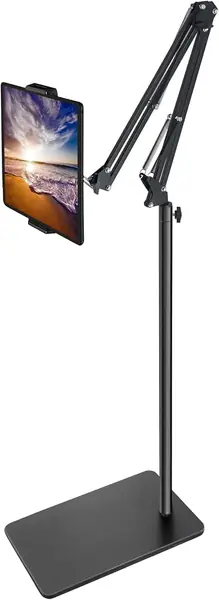
The simple hinge is part of why the stand feels so solid. If you need the screen higher, the COOPER TabHolder is the better tool; if it needs to travel, the UGREEN is the smaller choice. For the desk where a tablet lands every day, the Lamicall is still the one we reach for first.
Pros
- Firm, low-wobble hold at desk angles
- Fits phones through 13-inch tablets
- Compact aluminum body moves easily
Cons
- Tilt-only design lacks height adjustment
We recommend the Lamicall as the default desk stand: it holds a 4- to 13-inch tablet firmly at useful angles, stays put, and takes up little space.