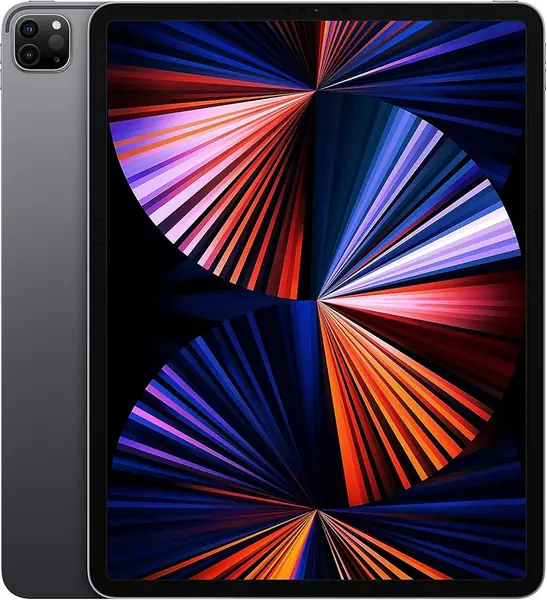
Apple iPad 11-inch (A16) Best Overall
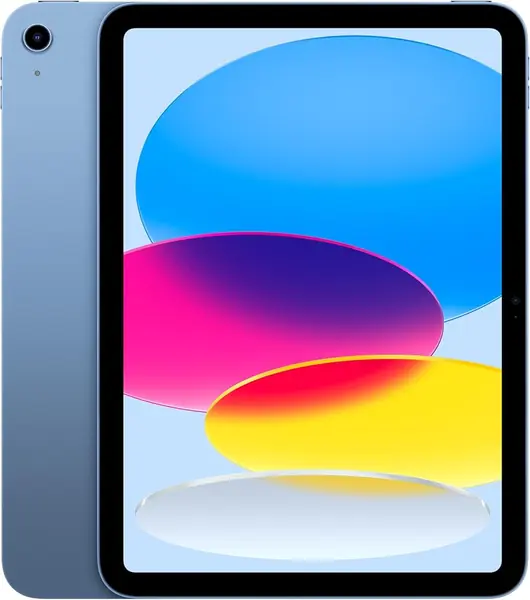
Key details
- Display
- 11-inch Liquid Retina, True Tone
- Chip
- Apple A16
- Storage
- 128GB
- Weight
- 1.05 lb
Ask us which tablet to buy for editing photos when you don't want to spend pro money or think about it for a week, and this 11-inch iPad is the answer we give most often. The A16 chip, 128GB of storage, and a Liquid Retina screen with True Tone cover the two jobs that matter: showing the photograph honestly, and keeping up while you work the sliders. At 1.05 pounds it also disappears into a tote, which counts for more than spec sheets usually admit.
What convinced us is the headroom. Edits that made the cheapest tablets in this group hitch never slowed this one down, and the picture stays clean at the edges of a crop where you actually spend your time. True Tone shifts the white balance toward whatever light is in the room, which is lovely for reading and worth switching off before you judge color, a small habit that separates people who trust their edits from people re-editing the same file on a laptop that night.
Split view is the underrated feature for photo work: keep a reference frame open beside the one you're grading and the comparison stops being a memory exercise. Add an Apple Pencil and masking becomes a brush stroke instead of a finger smear. The app bench on iPadOS is the deeper one, too, and that matters more on a tablet than raw clock speed.
One number to stare at: 128GB, which is the ceiling on this model. Do the setup and the software update inside the return window as well, because a bad unit tends to freeze during setup rather than in month three.
Pros
- A16 chip keeps full-size edits moving
- Liquid Retina with True Tone for honest previews
- 1.05 pounds travels in any bag
- Apple Pencil and split view suit retouching
Cons
- Storage is capped at 128GB
The 11-inch iPad is the tablet we tell most people to buy for photo editing: quick enough for full-size files, light enough to carry, and honest about color.