Best Large Android Tablets of 2026

A big tablet earns its place the moment you stop squinting — a two-page PDF that fits on one screen, a score you can read from a music stand, a show you can watch from across the room. Size alone, though, says nothing about how one will feel in month three.

My team and I have spent the past six months living with 12 large Android tablets — on the couch, on music stands at rehearsal, and on the kitchen counter — and what separated them rarely showed up in the headline. Panel quality mattered more than raw inches, and so did the quiet specs: whether a display could actually stream in HD (Widevine L1 support is the one to check before you buy), whether higher refresh rates made scrolling and stylus work feel smooth, and whether the battery lasted a mixed day away from an outlet.

Everything here is built for people who want a big canvas without laptop money: reading, streaming, notes, music, a keyboard case when you need one. If your work depends on desktop-class apps, this isn't your list — otherwise, the right pick is just below.

The Best Large Android Tablets

1

TCL NXTPAPER 14 Best Overall
87 /100
TKZ Score Excellent

Key details

Screen
14.3-inch 2.4K NXTPAPER
Battery
10,000mAh
Storage
256GB
Memory
8GB + 8GB expansion
View on Amazon

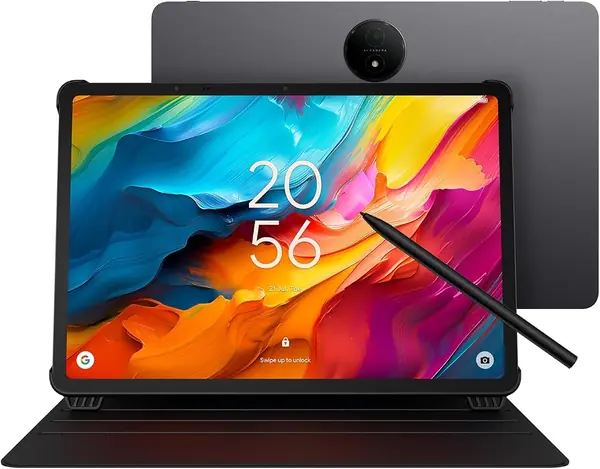
A matte finish is the first thing you notice about the NXTPAPER 14, and it is the reason to choose it. The 14.3-inch 2400 x 1600 panel is big enough for a full page of sheet music or a two-column PDF, and the paper-like coating keeps overhead lights from turning it into a mirror. We like that the NXTPAPER key switches between standard, color-paper, and ink-paper modes; for reading, the warmer modes are easier to live with at night.

The included 4096-level stylus and flip case are the practical surprise. We did not have to budget for a pen or a stand cover, and the matte surface gives the pen a little more control than a gloss screen. Performance is fine for reading, streaming, split-screen notes, and email, but the Helio G99 is not a gaming chip. The 60Hz refresh rate is the one place the hardware feels a step behind; after the TECLAST's 120Hz panel, scrolling looks less fluid.

The 256GB storage and 8GB of physical RAM give you room for downloaded scores, movies, and a browser full of tabs; the extra 8GB of virtual RAM is helpful, not a substitute. At 8.74 by 12.69 inches, it is a lap-desk tablet, not something to hold one-handed on the subway. For a reading-first large tablet, that trade is easy to take.

Pros

  • Matte 2.4K screen is easy on the eyes
  • Stylus and case included in the box
  • 256GB storage and 8GB physical RAM

Cons

  • Battery life can fall short under heavy use
Our verdict

The TCL NXTPAPER 14 is our top pick for reading and notes: its matte 2.4K screen and included stylus make it the most comfortable all-rounder here.
Check Latest Price
2

TECLAST T65 Best Value

86 /100
TKZ Score Excellent

Key details

Screen
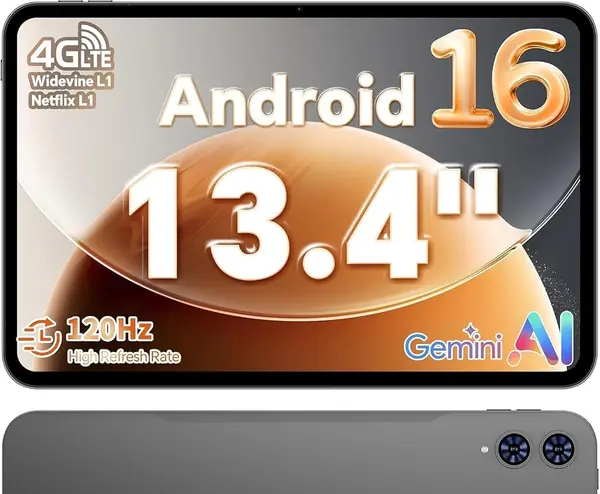
13.4-inch 1920 x 1200, 120Hz
Battery
8,000mAh
Storage
128GB
Cellular
4G LTE
View on Amazon

The T65 is the value shock of this group: a 13.4-inch 1920 x 1200 screen with a 120Hz refresh rate, 4G LTE, and GPS for a budget price. We expected the usual budget compromise, but the 16:10 panel is large enough for near-full-page sheet music and wide enough for split-screen browsing. The 720g body and 8.5mm thickness make it one of the easier 13-inch tablets to carry, though it still wants two hands.

The T7280 octa-core chip is not a flagship, but it handles streaming, email, and app switching without drama. The 8,000mAh battery is smaller than the cells in the MESWAO and TCL, and the lower weight is the payoff. Storage is 128GB with microSD support up to 1TB, which is the right combination for downloaded movies and music libraries.

Where the T65 earns its place is travel: 4G LTE and GPS mean you can leave your phone hotspot behind, and the 120Hz screen makes maps and feeds feel quick. It is the big-screen tablet we point to when the budget is tight and you want one device for the road.

Pros

  • 120Hz 13.4-inch screen at a budget price
  • 4G LTE and GPS for travel
  • 720g body is manageable for its size

Cons

  • Slow charging for the 8,000mAh battery
  • No stylus or case in the box
Our verdict

We see the TECLAST T65 as the value standout for streaming and travel, with a 120Hz 13.4-inch screen and 4G LTE.

Check Latest Price
3

MESWAO B3 Pro Sheet Music Display

82 /100
TKZ Score Excellent

Key details

Screen
15.6-inch 1920 x 1080
Battery
12,000mAh
Storage
256GB
Memory
8GB + 8GB expansion
View on Amazon

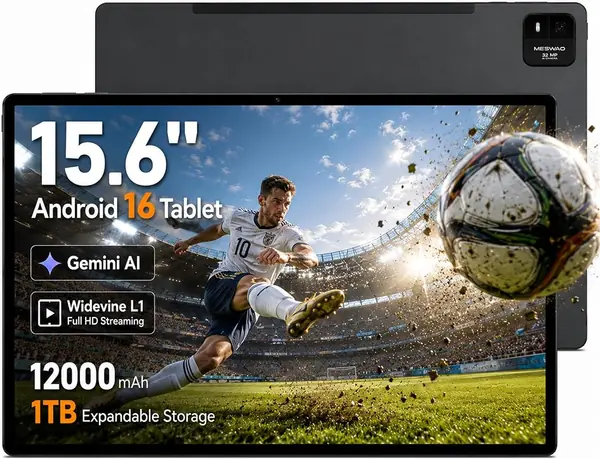
A 15.6-inch tablet is less a tablet than a portable page, and the MESWAO B3 Pro leans into that. The 1920 x 1080 panel is the largest here, with enough width for two-page scores or a full PDF without pinching. It is roughly the footprint of a small laptop, so it belongs on a music stand or desk, not in your lap. The quad speakers and Widevine L1 support make it a decent bedside movie screen once you prop it up.

Inside, the Helio G99 and 8GB of physical RAM handle split-screen reading, streaming, and browser work; the extra 8GB of virtual memory helps with app switching but is not a substitute. The 256GB storage is a real advantage, and 30W charging is the more useful upgrade on a 12,000mAh battery. A big screen needs a charger that can keep up.

We do not recommend it as an all-purpose couch tablet; the size makes handheld use tiring, and the screen is built for desk work rather than one-handed scrolling. For a musician or anyone who reads full-page PDFs all day, the extra canvas is worth the trade. This is the pick when the page, not the tablet, is the point.

Pros

  • 15.6-inch canvas for full-page sheets and PDFs
  • 256GB storage and 30W charging
  • 12,000mAh battery and quad speakers

Cons

  • 60Hz panel and 350-nit brightness
  • No fingerprint or face unlock
Our verdict

We point full-page sheet-music and PDF readers to the MESWAO B3 Pro; the 15.6-inch screen is worth the desk-bound size.

Check Latest Price
4

QDDQ P90 Best Bundle

81 /100
TKZ Score Excellent

Key details

Screen
13.4-inch 1920 x 1200, 120Hz
Battery
10,000mAh
Storage
256GB
Included
Keyboard, mouse, stylus, case
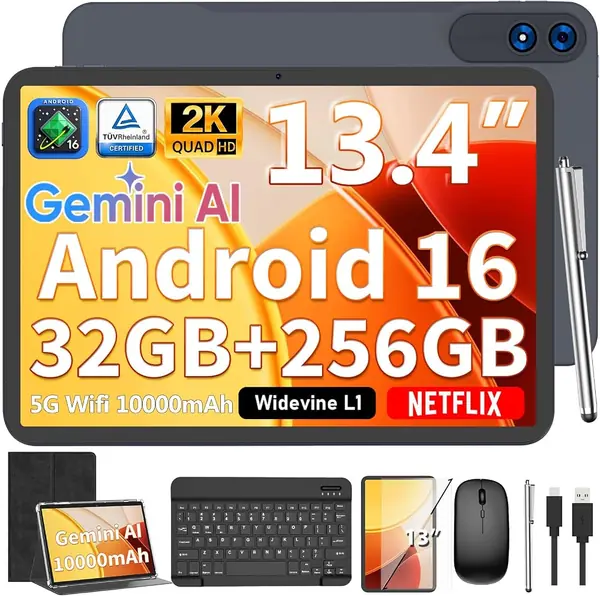
View on Amazon

The QDDQ P90 arrives as a kit: keyboard, mouse, stylus, screen protector, and foldable case are all in the box, which changes the math for anyone building a work setup. The 13.4-inch 1920 x 1200 screen runs at 120Hz, and the 256GB storage is generous for a tablet at this end of the market. The 2TB microSD expansion is there if you keep a large video or document library offline.

We see the P90 as a desk-first tablet. The included keyboard and mouse make it feel more like a small laptop than a bare slate, and the 120Hz panel is smooth for documents and split-screen apps. For email, reading, streaming, and note-taking, the Unisoc T615 has enough headroom; the 120Hz screen does more for everyday feel than the chip.

The 10,000mAh battery is bigger than the TECLAST's 8,000mAh cell, and Android 16 is current. The included screen protector and case also mean the tablet is ready to leave the house without a second order. The keyboard, not the screen, is the part that decides whether this replaces a laptop for you.

Pros

  • Keyboard, mouse, stylus, and case included
  • 120Hz 13.4-inch screen and 256GB storage
  • 10,000mAh battery with 2TB expansion

Cons

  • Entry-level T615 chip limits gaming
Our verdict

We recommend the QDDQ P90 when you want the keyboard, mouse, stylus, and case included rather than bought separately.

Check Latest Price
5

RebotAi AF13 Air Low-Cost Media

80 /100
TKZ Score Excellent

Key details

Screen
13.4-inch 1920 x 1200
Battery
10,000mAh
Storage
128GB
Memory
4GB + 26GB expansion
View on Amazon

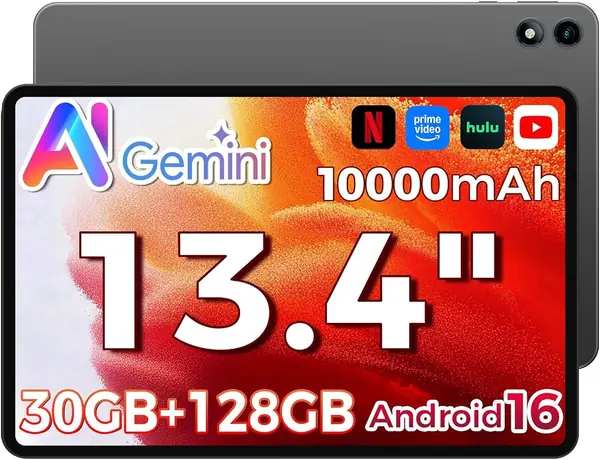
The AF13 Air is the cheapest way into a 13.4-inch Android tablet here, and that is both its appeal and its warning. The 1920 x 1200 IPS screen is large enough for streaming and reading, the 10,000mAh battery is the biggest part of the pitch, and the 0.8 kg body is easy to move around.

We read the memory spec carefully: the 30GB figure is mostly virtual expansion, and the tablet has 4GB of physical RAM. That is enough for a video, a book, and a browser tab or two, but split-screen work and a dozen tabs will expose the limit in a way the bigger numbers do not. The Unisoc T610 is also a modest chip, so treat this as a media tablet first. The 128GB storage covers apps and a modest offline library, not a large movie stash.

For bedtime streaming, a kitchen recipe screen, or a cheap wall-mounted dashboard, the AF13 Air makes sense. If you need a keyboard, stylus, or 4G, spend a little more on the QDDQ or TECLAST instead; the savings here are real, but they buy a narrower job.

Pros

  • 13.4-inch screen at the lowest price
  • 10,000mAh battery and 128GB storage
  • Light 0.8 kg body for its size

Cons

  • Charging tops out at 18W
Our verdict

The RebotAi AF13 Air is our low-cost media pick; its 13.4-inch screen is roomy, but 4GB of physical RAM limits real multitasking.

Check Latest Price
6

FIRYMID V13 Best for Midrange 2K Viewing

79 /100
TKZ Score Very Good

Key details

Screen
13.15-inch 1600 x 2240, 90Hz
Battery
11,000mAh
Storage
128GB
Charging
20W PD
View on Amazon

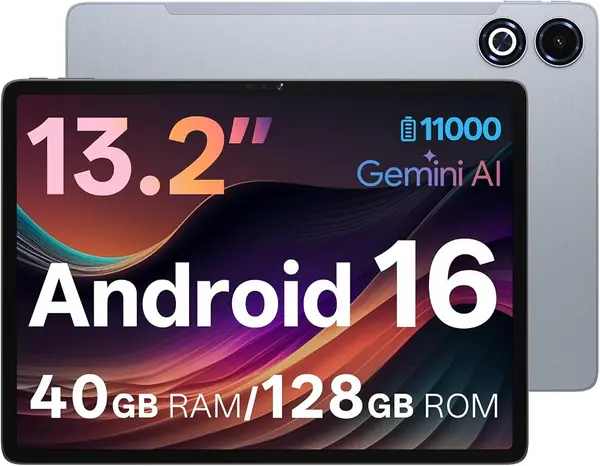
The V13's pitch is easy to see on paper: a 13.15-inch 1600 x 2240 screen at 90Hz and an 11,000mAh battery, both a step up from the usual budget 1920 x 1200 panel. The 2K resolution makes text and PDFs look crisp, and 20W PD charging is quicker than the 15W or 18W options at the bottom of the market. It runs Android 16 with 128GB of storage.

The 90Hz refresh rate keeps scrolling smooth, and the 13.15-inch size sits close to the 13.4-inch TECLAST but with a sharper panel; it is much easier to handle than the 15.6-inch MESWAO. The Allwinner A7333 chip is not the reason to buy it; the screen and battery are. For reading, streaming, and light split-screen use, it has enough headroom, though heavy gaming is a different question.

We like the V13 most as a reading and video tablet with a sharper screen than its budget rivals, not as a productivity machine. The 128GB storage covers apps and a moderate offline library; if you keep a large movie collection, the QDDQ P90 or TCL NXTPAPER 14 gives you more room. For a midrange 2K screen, it earns a place on the short list.

Pros

  • 2K 90Hz screen sharpens text and PDFs
  • 11,000mAh battery with 20W PD charging
  • 13.15-inch size balances screen and portability

Cons

  • 90Hz refresh trails 120Hz rivals
Our verdict

We like the FIRYMID V13 for readers and streamers who want a 2K screen and a big battery without a 15.6-inch footprint.

Check Latest Price

How We Tested Large Android Tablets

We started by pulling every Android tablet with a screen measuring 13 inches or more that was actually in stock in the U.S., then dropped the listings with vague or contradictory specs — a 2K panel promised on one line and 1920x1200 on another, or a processor buried behind three adjectives. Twelve made the cut. We bought them all rather than accepting loaners, then rotated them through six months of daily use.

Screen came first, since size is what got these on your list: I set every tablet to the same brightness, read a two-page PDF in a sunlit room, tilted each panel to watch for color shift at an angle, and scrolled long documents to feel whether the higher refresh rates were real or just on the box. Performance got a repeatable gauntlet — a dozen browser tabs with a video running in split screen, a photo export, a drawing app with the stylus — while I watched for dropped frames, missed palm rejection, and how warm the back got.

Battery ran two ways: a scripted loop of video at 50 percent brightness until each tablet died, and an honest day of reading, rehearsal, and streaming. For wireless, I walked each one away from the router until a video call froze, compared 2.4 and 5GHz throughput, and paired headphones, a speaker, and a controller. We also weighed every unit, shoved the keyboard cases into bags for weeks to see how they held up, and kept notes on crashes, overnight standby drain, and Wi-Fi that needed reconnecting after sleep.

Value came down to what was in the box — stylus, keyboard, case, a charger fast enough for a 10,000mAh battery — and we tracked how each tablet's price moved across the testing window so a temporary sale didn't flatter a mediocre pick. Reliability showed up late: a couple of units developed a slow wake from sleep after a month of use, and those notes went straight into the rankings.

How to Choose a Large Android Tablet

Screen Size and Shape Come First

A 15.6-inch tablet gives sheet music and PDFs nearly full-page room, while 13- to 14-inch models are easier to hold and carry. Resolution matters as much as diagonal: 1920 x 1200 is fine for video at 13 inches, while 2400 x 1600 is noticeably sharper for text. Matte or paper-like finishes cut glare for readers, but they can soften color. We prioritize a glare-friendly panel if the tablet will spend its life on a music stand or desk; otherwise a bright 120Hz panel is the better entertainment choice.

Look Past the Memory Headline

Listings in this category love large memory numbers, but many combine physical RAM with virtual expansion. A tablet advertised with 30GB or 40GB may have only 4GB or 8GB of real RAM, which is what decides how many apps and browser tabs stay open. For reading and streaming, 6GB to 8GB of physical RAM is a sensible target; for split-screen work, lean toward 8GB. Storage is simpler: 128GB covers apps and downloads, while 256GB is worth it if you keep movies or large music libraries offline.

Battery Is About More Than Capacity

An 8,000mAh battery in a 13.4-inch tablet is not automatically worse than an 11,000mAh battery in a slower one. Screen brightness, refresh rate, and the chipset all take a bite. We look for 10,000mAh or more on the biggest screens and prefer 20W to 30W charging when the cell is large, since a 12,000mAh tablet on a slow charger becomes an overnight ritual. If you mostly read at low brightness, a smaller cell can be the better travel compromise.

Decide on Cellular and Accessories

A Wi-Fi tablet is fine at home, but 4G LTE and GPS are the difference between a couch device and a travel one. Only some models here list cellular, so decide whether you need a data plan before you pay for it. Accessories change the value equation: a bundled keyboard, mouse, stylus, and case can save you from buying them piecemeal, while a 15.6-inch tablet needs a stand regardless. If you write or draw, confirm stylus support and whether the pen is included; not every big screen is a good writing surface.

Check Software Support and the Return Window

Android versions are easy to compare and update promises are not. Several tablets ship with Android 16, while others start on Android 15 and promise an upgrade; ask how long security updates will last if you plan to keep the tablet for years. A one-year warranty is common. If the tablet is for school or work, buy from a seller with a clear return window and test Wi-Fi, charging, and the screen in the first week.

Frequently Asked Questions

Final Verdict

We recommend the TCL NXTPAPER 14 as the default large Android tablet. The 14.3-inch matte 2.4K screen and included stylus make reading, notes, and sheet music more comfortable than they are on a glossy slab, and 256GB of storage gives it room to be more than a streaming screen. If budget and 4G matter more, the TECLAST T65 is the value choice. For a true full-page canvas, the MESWAO B3 Pro is the specialist. The TCL is still where most buyers should start.