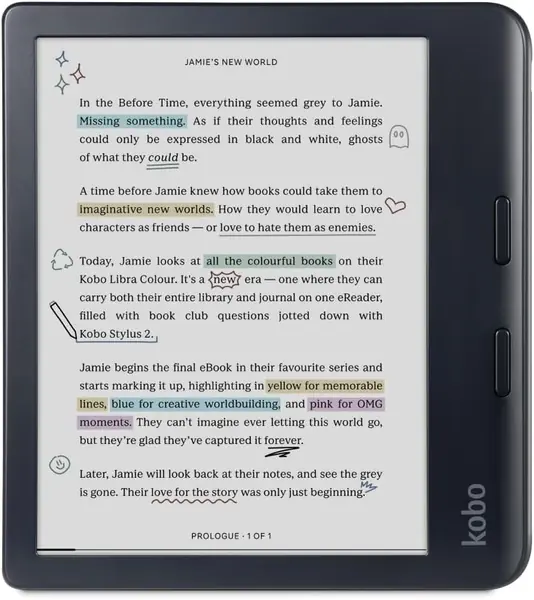
Kobo Libra Colour Best Overall
Key details
- Storage
- 32 GB
- Screen Size
- 7 inches
- Resolution
- 1264 x 1680
- Waterproof
- Yes
A letter-size PDF squeezed onto a six-inch screen is a keyhole view: you read half a paragraph, pan, read the next half. The Libra Colour is the pick that fixes most of that. Its 7-inch Kaleido 3 panel is the largest screen in this group, and at 1264 x 1680 it holds a single-column page at a size you can read without pinching. Screen size did most of the sorting for us once documents were the job, and this is where the sorting landed.
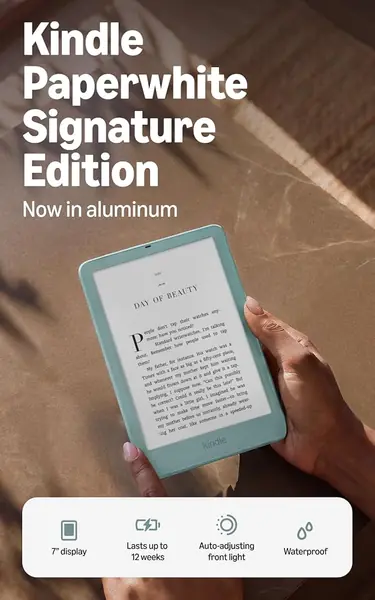
The rest of the package is built for documents rather than novels. There's 32GB of storage, matched here only by the Paperwhite Signature, which starts to matter once scanned textbooks and long reports arrive at a few hundred megabytes apiece. PDF, EPUB, DOCX and HTML all open without conversion, and the physical page buttons along the side mean you aren't tapping glass every time you move through a file.
At 7.05 ounces it carries a little more weight than the six-inch readers, though the mass sits over your palm rather than your fingertips and the side-button layout genuinely works one-handed. Waterproofing and a battery measured in weeks are the kind of features you stop noticing because they never interrupt you.
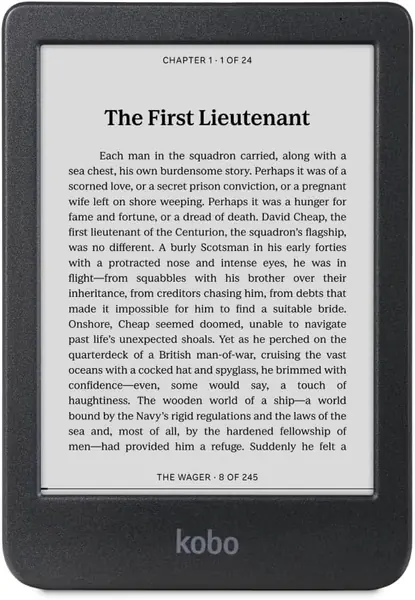
There is one place it gives ground to a cheaper screen. If dense two-column scans with 8-point footnotes are your daily diet, the Clara BW below draws finer strokes; the Libra Colour earns its spot when the biggest page matters more than the last increment of crispness.
Pros
- Largest screen here at 7 inches
- 32GB for scanned books and long reports
- Side page buttons work one-handed
Cons
- Colour layer softens fine black text
We recommend the Libra Colour to anyone whose reading includes PDFs: the 7-inch screen is the difference between reading a page and hunting through it.