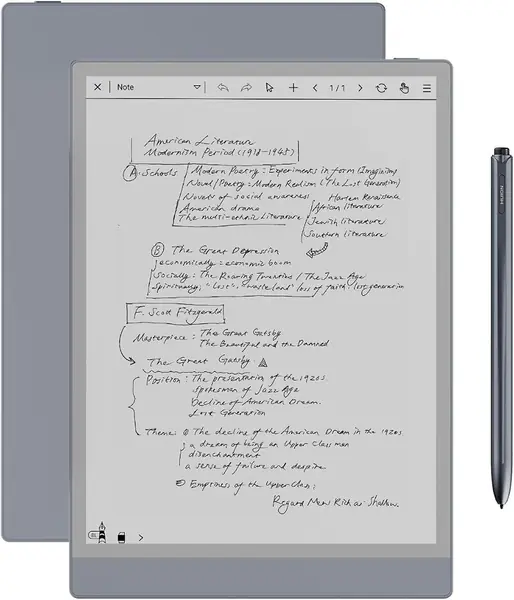
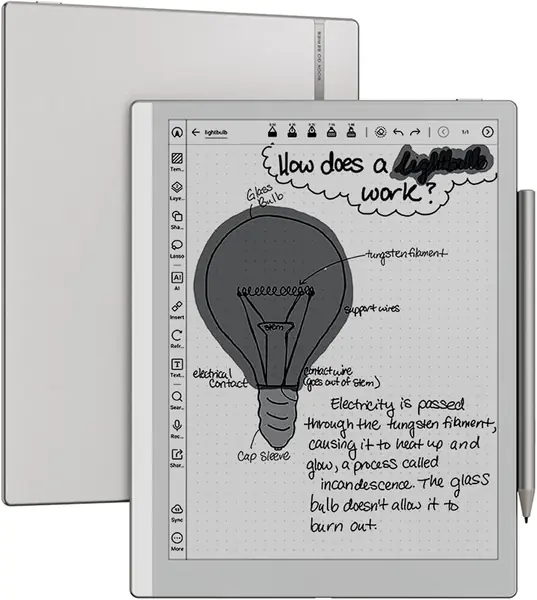
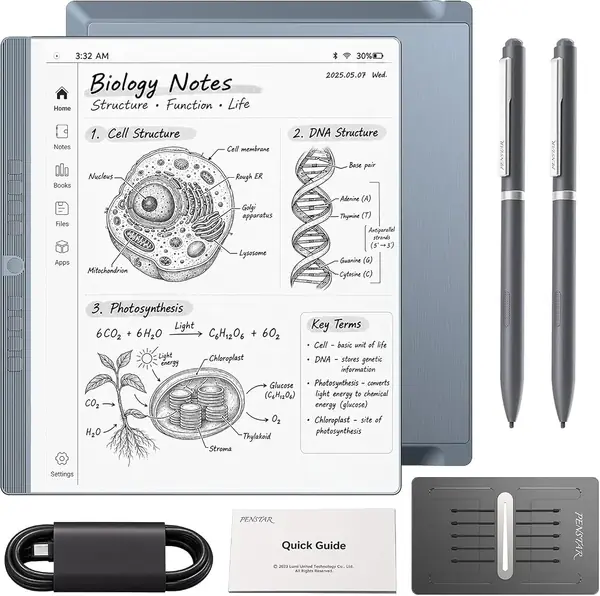
reMarkable Paper Pro Best Overall
Key details
- Screen
- 11.8-inch color E Ink
- Storage
- 64 GB
- Pen Included
- Marker Plus with eraser
- Weight
- 1.2 lb
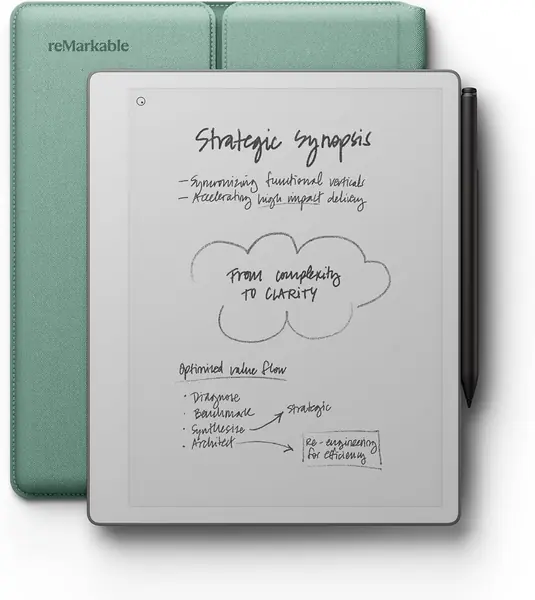
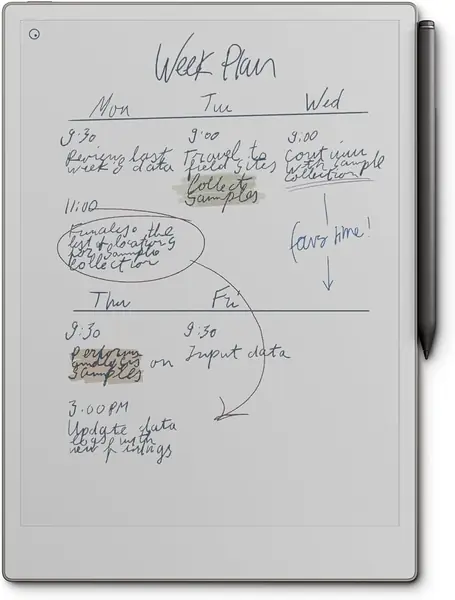
A page-sized sheet is what sold us on the Paper Pro. At 11.8 inches, the Canvas Color screen holds a full meeting's notes without the scrolling smaller tablets force, and the Marker Plus in the box has a built-in eraser — a detail we used every few minutes and now miss on pens that make you hunt for a toolbar button. The display has real texture under the tip, so writing feels like a felt-tip on good paper rather than a pen skating across glass.
Color is the part to calibrate. Highlights, color-coded headings, and diagram markup come across as soft tints rather than printed ink, which is exactly what we want from a highlighter and not what you want from a photograph. The low-glare panel and the reading light handle a dim train car or a bedside table, while the screen stays readable in direct sun.
Organization is where it earns the desk space. Folders and tags stop notebooks from accumulating, handwriting converts to typed text, and PDFs are marked up in place — read, annotate, file is the entire job for coursework and document review, and it's why this is our default. At 1.2 pounds with an 11.8-inch panel, though, this is a lap-and-desk device; hold it one-handed for an hour and your wrist will file a complaint.
The trade is the ecosystem. reMarkable's software handles notes, documents, and reading, but there's no app store, so your Kindle library and Android apps stay on your phone. When your day is handwriting, PDFs, and long reads, that focus reads as a feature rather than a limit — and it's how the device stays this quiet.
Pros
- Paper-like writing with an eraser on the pen
- Page-sized color screen for PDF markup
- Reading light for night work
Cons
- Premium price, plus costly add-on accessories
We recommend the Paper Pro for daily handwriting and document markup; no other tablet here matches its screen, pen, and organization together.